Loading
Loading
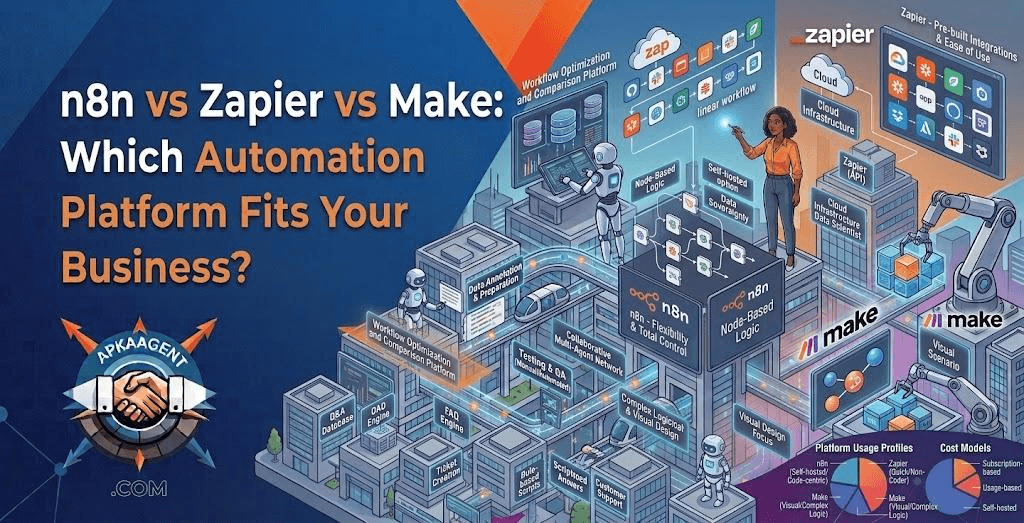
Zapier, Make, and n8n all connect your apps and move data between them so nobody has to copy and paste by hand. Their feature lists look nearly identical at first glance. The real differences show up in three places: how each platform charges you, how much technical skill it expects, and where your data lives. Choose based on those three factors and the decision gets much easier.
The pricing models differ more than the price tags, and the model is what determines your bill as you grow.
Zapier counts a task each time an action step in a workflow (a "Zap") runs successfully. A workflow with five action steps that runs 100 times uses roughly 500 tasks. At the time of writing, Zapier's free plan includes 100 tasks per month, and paid plans scale by task volume.
Make recently replaced its "operations" unit with credits, but the logic is similar: each module that runs in a scenario consumes usage. A 15-module scenario that runs 1,000 times uses about 15,000 credits. Make's free plan includes 1,000 credits a month at the time of writing, and its per-unit cost is generally lower than Zapier's.
n8n counts one execution for each complete run of a workflow, no matter how many steps it contains. Its cloud plans are paid, while the self-hosted Community Edition carries no license fee. Self-hosting isn't free in practice, though: you pay for the server and the time it takes to secure, update, and back it up.
Picture a 12-step workflow that processes 10,000 orders a month. If every step runs, that's roughly 120,000 Zapier tasks or Make credits, but just 10,000 n8n executions. For short, low-volume workflows the difference is small. For long, high-volume ones, it can be the deciding factor. Plans and limits change often, so confirm current pricing directly with each vendor before you budget.
The n8n vs Zapier decision comes down to convenience versus control. Zapier hides nearly all the technical complexity. You pick a trigger, add actions, and it runs on Zapier's infrastructure. A marketing coordinator can build a useful Zap in an afternoon.
n8n gives you much more control. You can write JavaScript or Python inside workflows, call almost any API, build complex branching logic, and host the whole system on your own servers. The trade-off is a steeper learning curve and, if you self-host, responsibility for uptime and security. Teams without someone comfortable with APIs and servers often find n8n frustrating at first.
Make sits between the two. Its visual canvas shows the full flow of data, with routers for branching, iterators for processing lists, and built-in error handlers. It handles complex logic better than Zapier without requiring code. Most people need a few days to get comfortable with it, compared to a few hours for Zapier.
| Zapier | Make | n8n | |
|---|---|---|---|
| Billing unit | Task (each action step) | Credit (each module run) | Execution (each full workflow run) |
| Learning curve | Easiest | Moderate | Steepest |
| App integrations | Largest library | Large library plus HTTP module | Smaller native library plus HTTP and code nodes |
| Custom code | Limited | Limited | Extensive |
| Self-hosting | No | No | Yes |
| AI and agent features | Built-in AI steps and agent tools | Built-in AI steps and agent tools | Highly configurable AI agent nodes built on LangChain components |
| Best for | Simple workflows, non-technical teams | Multi-step logic on a budget | High volume, complex AI workflows, data control |
With Zapier and Make, your workflow data passes through the vendor's cloud. For many businesses that's fine. For companies handling health records, financial data, or sensitive client information, it may raise compliance questions, and you'll need to review each vendor's security documentation and agreements.
Self-hosted n8n keeps workflow data on infrastructure you control, which is a major reason regulated or privacy-focused businesses choose it. Control comes with responsibility, though: security patches, access management, backups, and monitoring become your team's job or your vendor's.
A solo owner connecting a web form to a CRM and an email tool: Zapier. Speed of setup matters more than per-task cost at low volume.
An operations manager at a 20-person company automating order processing with several branches and exceptions: Make. The visual logic and lower per-unit cost fit well.
A company with developer support, high monthly volume, AI-heavy steps, or sensitive data: n8n, either on n8n's cloud or self-hosted.
Hybrid setups are also common. Some businesses keep simple Zaps running for convenience and move complex or high-volume workflows to Make or n8n.
All three platforms are excellent at connecting systems. They struggle when the logic itself gets complicated. Warning signs include workflows that break whenever inputs vary, dozens of interlinked scenarios no one fully understands, monthly bills that keep rising, and the need for a custom interface for staff or customers.
At that point, the answer is often a combination: a no-code platform for straightforward connections, plus a custom AI agent or application for the parts that need judgment. ApkaAgent works with Zapier, n8n, and Make.com, and also builds custom AI agents and workflow automation and custom web applications when a workflow outgrows a visual builder. Our Signal AI example project shows the approach of scoping and testing automation as one owned system rather than a patchwork of disconnected blocks.
Before choosing any tool, decide which process to automate first. Our guide to what AI automation actually changes in a business offers a simple test based on frequency, input consistency, and the cost of mistakes.
The self-hosted Community Edition of n8n has no license fee, but you pay for hosting and for the time to maintain, secure, and update it. n8n's cloud plans are paid subscriptions.
For multi-step workflows, Make is generally cheaper per unit of work than Zapier, and its free plan includes more monthly usage. For very simple workflows at low volume, the difference may not matter much.
All three now include AI steps and agent features. n8n offers the most control for complex AI workflows, such as agents with memory, tool use, and vector search, while Zapier and Make are easier for adding simple AI steps like summarizing or classifying text.
Yes, but there's no automatic one-click conversion between platforms. Workflows generally need to be rebuilt and tested. Migrating your highest-volume or most expensive workflows first usually gives the biggest return on the effort.
Not for basic workflows, but technical skills help considerably. Self-hosting, custom code, API work, and troubleshooting are much easier with someone comfortable with these tasks.
The right automation platform is the one your team can maintain at the volume you expect. Zapier wins on ease, Make wins on value for complex logic, and n8n wins on control and scale. If you'd like a second opinion before committing, ApkaAgent's AI consulting services include technology assessments and implementation roadmaps, or you can contact our team to talk through your workflows.
We work with Zapier, Make, and n8n, and build custom agents when a workflow outgrows them. Let's talk through yours.
Talk to Us